Date Input
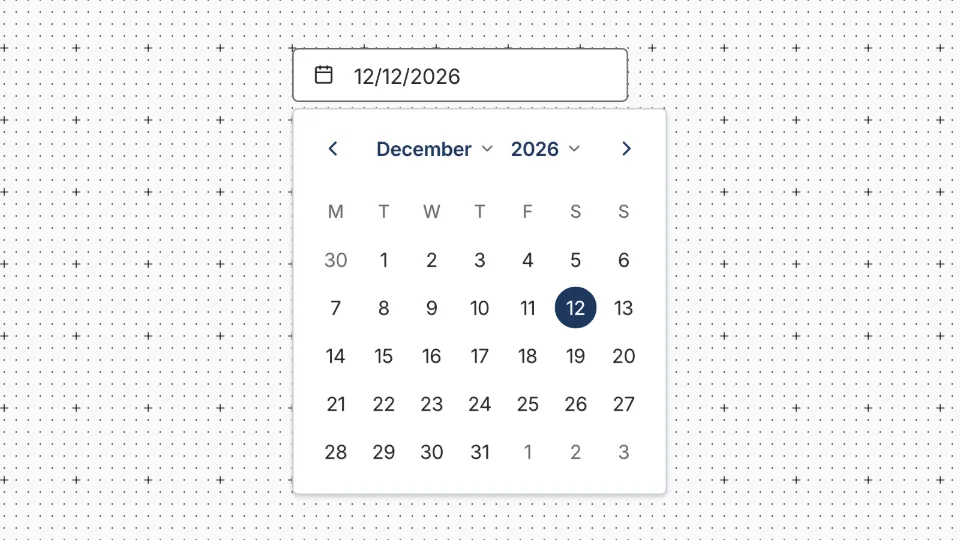
A date people know by heart, typed one part at a time: dates of birth, incorporation dates, dates off a document. No calendar, because paging back decades is slower than typing. For a date near today, like a due date or appointment, use Date Picker.
BetaReady to use. Its API can still change in a minor release; the changelog says when.
import { DateInput, Field } from "@leap-crm/design-system";Playground
Change a prop and the component follows. Its code is under Props.
Props
size
disabled
readOnly
Best practices
When to use it, and the rules that apply in particular places.
| Guidance | Practice |
|---|---|
| Do | Use it for dates people know by heart or read off a document, like a client's date of birth, a company's incorporation date or the date on a will. Typing is faster than paging back decades. |
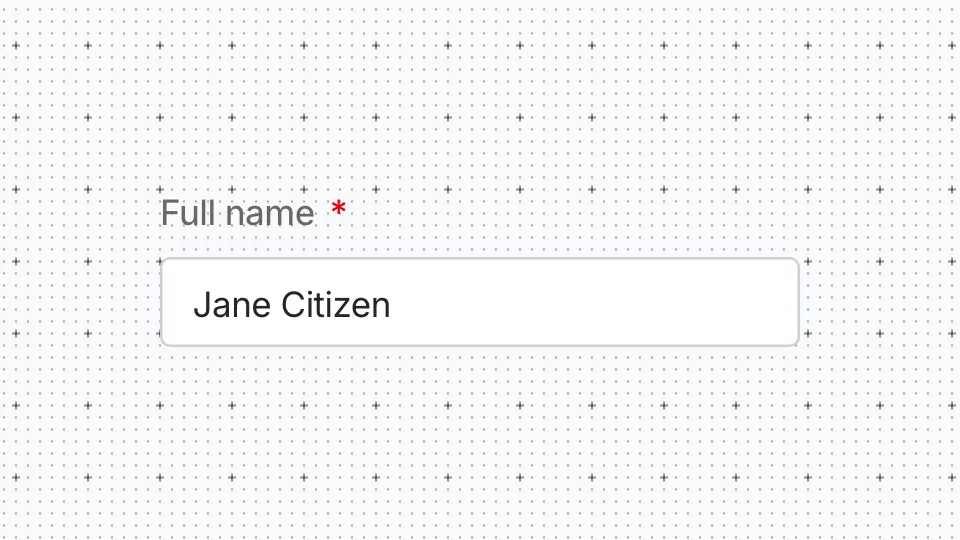
| Do | Put it in a Field with a label. Outside a field, like in a table filter, name it with aria-label. |
| Do | Treat the value as missing until every part is filled. It stays null until then, and then it is an ISO date like 1984-02-03. |
| Do | Set max to today for a date that can't be in the future, like a date of birth, so a future date shows as invalid and its form won't submit. |
| Don't | Use it for a due date, an appointment or a settlement. Use DatePicker, where the week around the date helps. |
Props
Also takes ui-sdk's Date Input options: value, defaultValue, onValueChange, min, max, unavailable, locale, granularity, name, required, disabled and readOnly.
| Prop | Type | Default | Description |
|---|---|---|---|
| size | TextSize | "md" | xs 28, sm 32, md 36 (forms, the default), lg 40, as Input. |
| aria-label | string | — | Names the field outside a Field. |
| className | string | — | Classes added to the root element, merged with its own. Tokens only. |
Code
What the playground shows, ready to copy.
import { DateInput } from "@leap-crm/design-system";

<DateInput aria-label="Date of birth" />
Keyboard
The keys it answers to. Tab moves between components, arrows move within them.
| Keys | What they do |
|---|---|
| Typing | Fills each segment and moves on to the next. |
| ArrowUpArrowDown | Step a segment, wrapping around. |
| ArrowLeftArrowRight | Move between segments. |
| Page UpPage Down | Take bigger steps. |
| HomeEnd | Go to a segment's first and last values. |
| Backspace | Empties a segment, then moves back. |
| Tab | Moves through the segments, then out. |
| Enter | Submits the form with what was typed. |