Dropzone
A place to drop files, or choose them with its link. Built on ui-sdk's File Input: drops, pastes and the picker all pass through accept, maxSize and maxFiles, and files that fail come back in onReject. In a Field, its error shows under it.
BetaReady to use. Its API can still change in a minor release; the changelog says when.
import { Dropzone, Field } from "@leap-crm/design-system";Playground
Change a prop and the component follows. Its code is under Props.
Drop a file here, or
Props
Best practices
When to use it, and the rules that apply in particular places.
| Guidance | Practice |
|---|---|
| Do | Use it where files are the point of the step, like importing a spreadsheet of contacts or attaching a signed costs agreement. |
| Do | Put it in a Field for its label and error, and set accept, maxSize and maxFiles, so a drop, a paste and the picker are all checked the same way. |
| Do | Put the limits in description, like "Up to 10 MB.", so people know them before they drop a file. |
| Do | Turn what comes back in onReject into an error that says what to do, like "Please choose a CSV or Excel file". |
| Do | List the files under it in a <ul> of DropzoneFile, with the size in detail and the reason a file failed in error. |
| Don't | Drop a failed file from the list. Keep it with its error and an onRemove, so the person can see which file to send again. |
Props
Also takes ui-sdk's File Input options: value, defaultValue, onValueChange, onReject, accept, multiple, directory, maxFiles, maxSize, minSize, validate, name, required and disabled.
Dropzone
| Prop | Type | Default | Description |
|---|---|---|---|
| title | ReactNode | "Drop a file here, or" | What to drop, like "Drop a CSV or Excel file here, or". The link to choose a file follows it. |
| chooseLabel | string | "choose one" | The link that opens the file picker. |
| description | ReactNode | — | The quieter line under the title, like what happens next or the size limit. |
| icon | ReactNode | — | The icon in the tile. An upload arrow when left out. |
| className | string | — | Classes added to the root element, merged with its own. Tokens only. |
DropzoneFile
| Prop | Type | Default | Description |
|---|---|---|---|
| name * | string | — | The file's name. It clips with an ellipsis and shows in full on hover. |
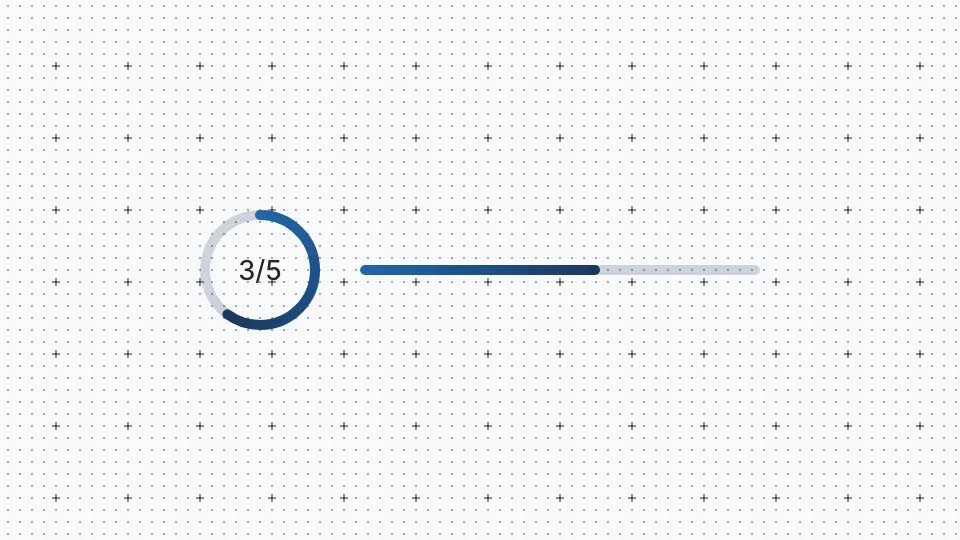
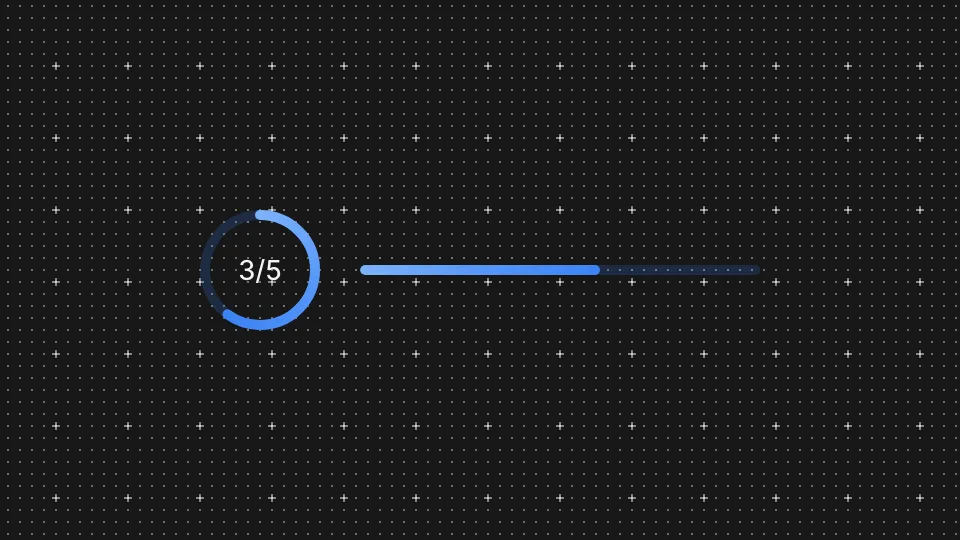
| status * | "uploading" | "done" | "error" | — | Uploading fills the ring; done finishes it and turns it into a tick; error turns it into a cross. |
| progress | number | 0 | How much has gone up, 0 to 100, while uploading. |
| detail | ReactNode | — | A quiet line on the right, like the file's size. |
| error | ReactNode | — | Why it failed, under the name. |
| onRemove | () => void | — | Shows a × that removes the file from the list. |
| className | string | — | Classes added to the root element, merged with its own. Tokens only. |
Code
What the playground shows, ready to copy.
import { Dropzone } from "@leap-crm/design-system";

<Dropzone />
Importing a spreadsheet
Drag a file over it for the navy drag state; a file that isn't a CSV or Excel file shows the error. Tab to choose one for the focus edge.
Drop a CSV or Excel file here, or
Firm Pilot reads it and shows you the result before anything is imported.
Uploading
List each file under the zone in a <ul> of DropzoneFile. Its ring fills as the file goes up; once the fill finishes, the ring turns into a tick that draws itself in. A failed upload turns into a cross and its reason opens beneath the name. The outcome is announced politely.
Drop documents here, or
File states
- 248 KB40% uploadedSigned costs agreement.pdf
- 1.2 MBUploadedDriver licence (front and back).jpg
- 3.4 MBUpload failedBank statement March.pdfThe connection dropped. Try again.
What the examples share
The imports and the scaffolding the examples above call. The scaffolding lives in this page, not in the library.
import { useState } from "react";

import { Button, Dropzone, DropzoneFile, Field, type DropzoneFileStatus } from "@leap-crm/design-system";

type Upload = {
  id: number;
  name: string;
  size: string;
  status: DropzoneFileStatus;
  progress: number;
};

const samples = [
  { name: "Signed costs agreement.pdf", size: "248 KB", fails: false },
  { name: "Driver licence (front and back).jpg", size: "1.2 MB", fails: false },
  { name: "Bank statement March.pdf", size: "3.4 MB", fails: true },
];

function UploadDemo() {
  const [uploads, setUploads] = useState<Upload[]>([]);
  const update = (id: number, change: Partial<Upload>) =>
    setUploads(current =>
      current.map(upload =>
        upload.id === id ? { ...upload, ...change } : upload,
      ),
    );

  const start = () => {
    const now = Date.now();
    setUploads(
      samples.map((sample, index) => ({
        id: now + index,
        name: sample.name,
        size: sample.size,
        status: "uploading",
        progress: 0,
      })),
    );
    samples.forEach((sample, index) => {
      const id = now + index;
      const steps = [20, 45, 70, 90, 100];
      steps.forEach((progress, step) => {
        setTimeout(
          () => {
            if (sample.fails && progress > 45) {
              update(id, { status: "error" });
              return;
            }
            update(id, {
              progress,
              status: progress === 100 ? "done" : "uploading",
            });
          },
          (step + 1) * (350 + index * 180),
        );
      });
    });
  };

  return (
    <div className="flex w-md flex-col gap-3">
      <Dropzone
        multiple
        title="Drop documents here, or"
        onValueChange={start}
      />
      <Button intent="outline" size="sm" className="self-start" onClick={start}>
        Simulate an upload
      </Button>
      {uploads.length > 0 && (
        <ul aria-label="Uploads" className="flex flex-col">
          {uploads.map(upload => (
            <DropzoneFile
              key={upload.id}
              name={upload.name}
              status={upload.status}
              progress={upload.progress}
              detail={upload.size}
              error="The connection dropped. Try again."
              onRemove={() =>
                setUploads(current =>
                  current.filter(item => item.id !== upload.id),
                )
              }
            />
          ))}
        </ul>
      )}
    </div>
  );
}

const spreadsheet = ".csv,.xlsx,.xls";

function ImportDemo() {
  const [error, setError] = useState<string | undefined>(undefined);
  const [chosen, setChosen] = useState<string | undefined>(undefined);
  return (
    <div className="flex w-md flex-col gap-6">
      <Field label="Contacts file" error={error}>
        <Dropzone
          accept={spreadsheet}
          title="Drop a CSV or Excel file here, or"
          description="Firm Pilot reads it and shows you the result before anything is imported."
          onValueChange={files => {
            setError(undefined);
            setChosen(files[0]?.name);
          }}
          onReject={() => setError("That file isn’t a CSV or Excel file.")}
        />
      </Field>
      <span className="text-small text-neutral-text-muted">
        Chosen: {chosen ?? "nothing yet"}
      </span>
    </div>
  );
}
Keyboard
The keys it answers to. Tab moves between components, arrows move within them.
| Keys | What they do |
|---|---|
| EnterSpace | On the choose link, open the file chooser. |
| EnterSpace | On a file's ×, press it. |