Textarea
Several lines of text in the same box and states as Input, at least 80 px tall. Built on ui-sdk's Textarea: it can grow with its text and submit on a shortcut.
BetaReady to use. Its API can still change in a minor release; the changelog says when.
import { Field, Textarea } from "@leap-crm/design-system";Playground
Change a prop and the component follows. Its code is under Props.
Props
clearable
copyable
placeholder
autoResize
disabled
readOnly
Best practices
When to use it, and the rules that apply in particular places.
| Guidance | Practice |
|---|---|
| Do | Use it for text that runs over several lines, like a file note or a matter's description. Use Input for one line, like a name or an email. |
| Do | Set autoResize with a max-h-* class for notes that vary in length, so a short note stays short and a long one stops at the height you set. |
| Do | Put it in a Field with a CharacterCount in counter when the text has a limit, and set showFrom near the limit so the count only appears when it matters. |
| Do | Set submitShortcut to mod+enter with onSubmit for a quick reply or comment. Enter still starts a new line. |
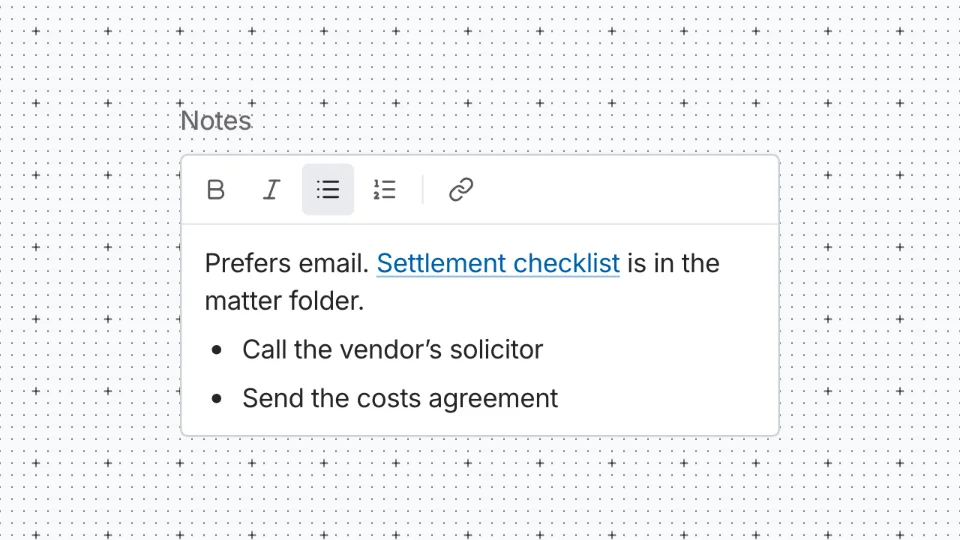
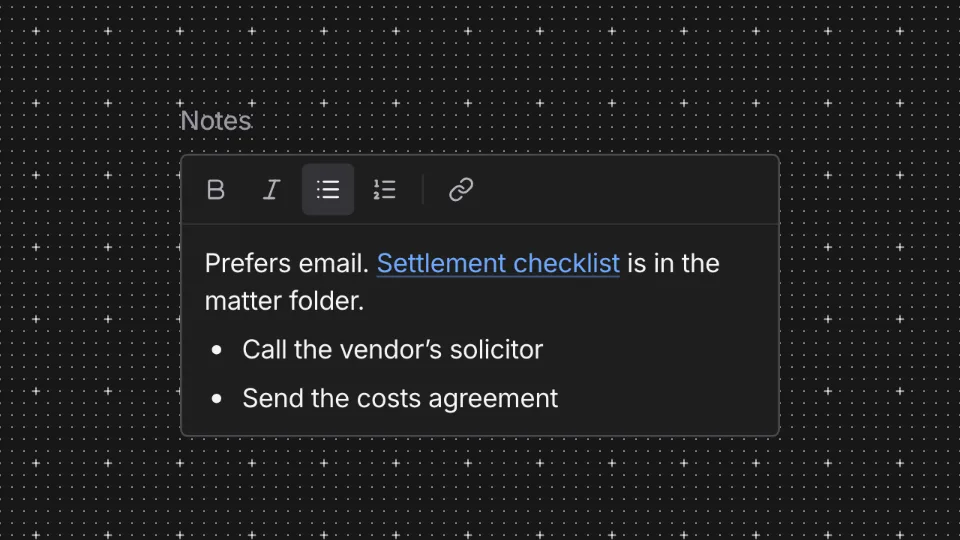
| Don't | Use it when the text needs bold, lists or links. Use RichTextField around the CRM's editor. |
Props
Also takes every native textarea prop and ui-sdk's value, defaultValue, onValueChange, autoResize, onSubmit and submitShortcut.
| Prop | Type | Default | Description |
|---|---|---|---|
| clearable | boolean | false | Shows a × that empties the field while it holds text. |
| copyable | boolean | false | Shows a button that copies the text. |
| className | string | — | Classes for the box around the text, which draws the edge and the states. |
| autoResize | unknown | false |
Code
What the playground shows, ready to copy.
import { Textarea } from "@leap-crm/design-system";

<Textarea aria-label="Note" placeholder="Add a note" />
Keyboard
The keys it answers to. Tab moves between components, arrows move within them.
| Keys | What they do |
|---|---|
| Enter | Starts a new line; with the enter submit shortcut, submits the form instead. |
| Shift + Enter | With the enter submit shortcut, starts a new line. |
| Ctrl + Enter⌘ + Enter | With the mod+enter submit shortcut, submits the form. |