Note version history
Every saved version of a note, newest first: who saved it and when, with Firm Pilot's own saves reading “Firm Pilot for <name>”. Picking a version shows what changed from the one before, added words underlined in green and removed ones struck in red. An older version can be restored, which saves it as a new version.
BetaReady to use. Its API can still change in a minor release; the changelog says when.
LEAP CRMBuilt for the CRM from the core library. It knows about the CRM's own records, so it isn't a general building block.
import { NoteVersionHistory } from "@leap-crm/design-system";Versions and changes
Version history
· Vendor wants a 60-day settlementChanges from Firm Pilot’s version
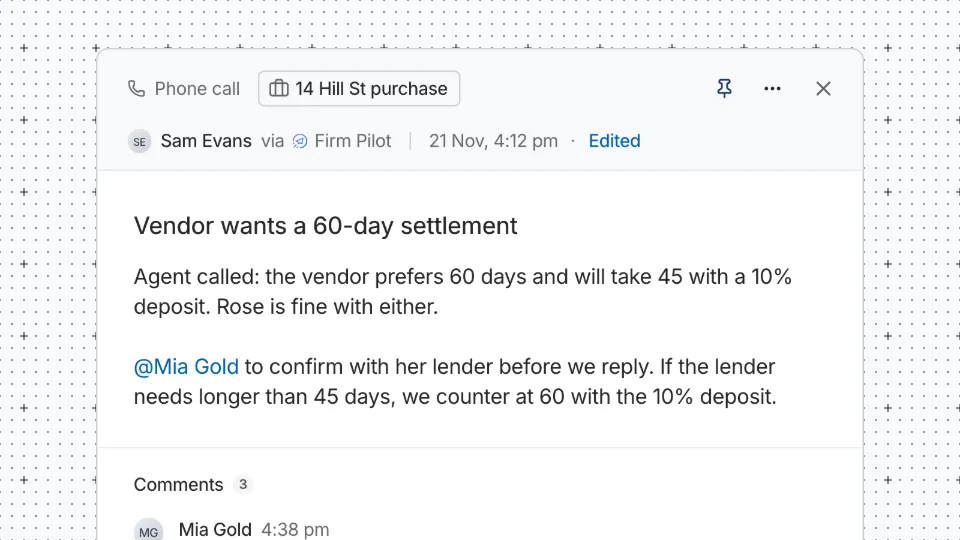
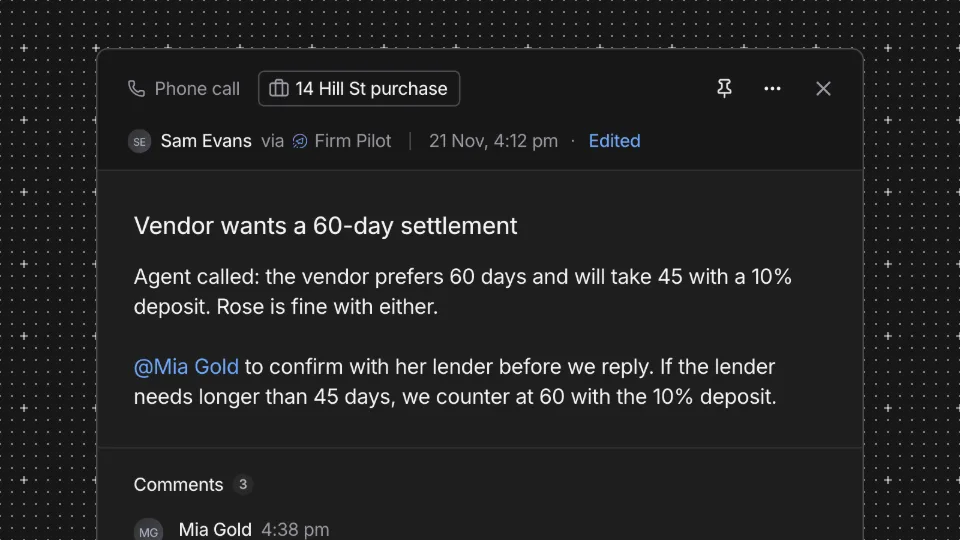
Agent called: the vendor prefers 60 days and will take 45 with a 10% deposit. Rose is fine with either, but wants to check with her lender. @Mia Gold to confirm with her lender before we reply.
AddedRemoved
What the examples share
The imports and the scaffolding the examples above call. The scaffolding lives in this page, not in the library.
import { useState } from "react";

import { NoteVersionHistory, type NoteChange, type NoteVersion } from "@leap-crm/design-system";

const versions: NoteVersion[] = [
  {
    id: "3",
    author: { name: "Mia Gold", initials: "MG" },
    time: "Fri 21 Nov, 4:40 pm",
    summary: "Added the counter-offer",
    current: true,
  },
  {
    id: "2",
    author: { name: "Sam Evans", initials: "SE" },
    time: "Fri 21 Nov, 4:12 pm",
    summary: "Tagged Mia Gold",
  },
  {
    id: "1",
    author: { name: "Sam Evans", initials: "SE" },
    byFirmPilot: true,
    time: "Fri 21 Nov, 3:58 pm",
    summary: "Created from the call",
  },
];

const changes: Record<string, { from: string; runs: NoteChange[] }> = {
  "3": {
    from: "Sam Evans’s version",
    runs: [
      { text: "@Mia Gold to confirm with her lender before we reply." },
      {
        text: " If the lender needs longer than 45 days, we counter at 60 with the 10% deposit.",
        change: "added",
      },
    ],
  },
  "2": {
    from: "Firm Pilot’s version",
    runs: [
      {
        text: "Agent called: the vendor prefers 60 days and will take 45 with a 10% deposit. Rose is fine with either",
      },
      { text: ", but wants to check with her lender", change: "removed" },
      { text: ". " },
      {
        text: "@Mia Gold to confirm with her lender before we reply.",
        change: "added",
      },
    ],
  },
};

function History() {
  const [selected, setSelected] = useState("2");
  const current = changes[selected];
  return (
    <NoteVersionHistory
      className="w-lg"
      noteTitle="Vendor wants a 60-day settlement"
      versions={versions}
      selectedId={selected}
      onSelect={setSelected}
      changes={current?.runs}
      changesFrom={current?.from}
      onRestore={() => undefined}
      onBack={() => undefined}
      onClose={() => undefined}
    />
  );
}
Best practices
When to use it, and the rules that apply in particular places.
| Guidance | Practice |
|---|---|
| Do | Pass versions newest first, and mark the one the note shows now with current: it is tagged Current and has no Restore button. |
| Do | Pass onBack when the history replaces the NotePanel in the same panel, so the lawyer can go back to the note. |
| Do | Set changesFrom to name what the changes are measured from, like “Firm Pilot's version”, so the reader knows what the green and red marks compare. |
| Don't | Build changes against the current version. Compare the selected version with the one before it, which is what the heading and the Added and Removed key describe. |
| Don't | Overwrite the note in onRestore. Save the restored text as a new version, so nothing is lost. |
Props
| Prop | Type | Default | Description |
|---|---|---|---|
| noteTitle * | string | — | The note's title, beside the heading. |
| versions * | unknown | — | Every saved version, newest first. |
| selectedId * | string | — | The version being looked at. |
| onSelect * | (id: string) => void | — | Picks a version to look at. |
| changes | unknown | [] | The selected version's text against the one before it. |
| changesFrom | string | — | Names the version the changes are measured from, like "Firm Pilot's version". |
| onRestore | (id: string) => void | — | Restores the selected version. It's saved as a new version, so nothing is lost. |
| onBack | () => void | — | Goes back to the note. |
| onClose | () => void | — | Closes the panel. |
| className | string | — | Classes added to the root element, merged with its own. Tokens only. |
Keyboard
The keys it answers to. Tab moves between components, arrows move within them.
| Keys | What they do |
|---|---|
| Tab | Moves through its buttons in order. |
| EnterSpace | Presses the focused button. |